


Knowledge Base
go directly to the main content
Knowledge Base document #3728
FRITZ!DECT 350
This support document is available for the following products:
- FRITZ!Box 7690
- FRITZ!Box 7682
- FRITZ!Box 7590 AX
- FRITZ!Box 7590
- FRITZ!Box 7583 VDSL
- FRITZ!Box 7583
- FRITZ!Box 7530 AX
- FRITZ!Box 7530
- FRITZ!Box 7520
- FRITZ!Box 7510
- FRITZ!Box 7490
- FRITZ!Box 6890 LTE
- FRITZ!Box 6850 5G
- FRITZ!Box 6850 LTE
- FRITZ!Box 6690 Cable
- FRITZ!Box 6670 Cable
- FRITZ!Box 6660 Cable
- FRITZ!Box 6591 Cable
Registering FRITZ! door/window contact with the FRITZ!Smart Gateway
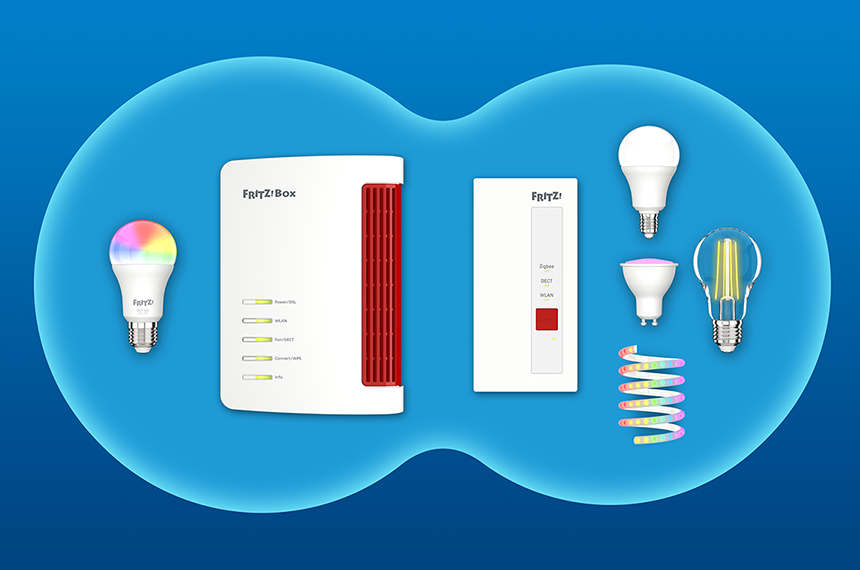
You can also register FRITZ! door/window contacts, for example FRITZ!Smart Control 350, with the FRITZ!Smart Gateway to increase the number of smart home devices that can be used in your home network.
Requirements / Restrictions
- The FRITZ!Smart Gateway is connected to the Mesh Master and is marked with the Mesh symbol
 in the Mesh Overview.
1 Registering a FRITZ! door/window contact
- Click on 'Smart Home' in the user interface of the FRITZ!Smart Gateway.
- Click on 'Devices and Groups' in the 'Smart Home' menu.
- Click on the 'Register a FRITZ!Smart Home device' button and follow the wizard's instructions.
- Within 2 minutes: Insert the batteries in the FRITZ! door/window contact. The LED on the door/window contact flashes, indicating that it is ready to be registered.
- The LED glows for 10 seconds as soon as it is successfully registered and can be configured.
 Deutschland
 International (English)
 United Kingdom
 Österreich
 Nederland
 España
 Italia
 Polska
 België (Nederlands)
 Luxemburg (Deutsch)
 Schweiz (Deutsch)