Click on 'Devices and Groups' in the 'Smart Home' menu.
Click on 'Register a FRITZ! Smart Home Device' and select the desired option.
Within 2 minutes: Push the (DECT) button on the FRITZ! smart plug. Hold down the button for at least 6 seconds until the LED starts to flash quickly. The FRITZ! smart plug is in registration mode as long as the LED flashes quickly.
The LED on the FRITZ! smart plug remains lit as soon as the connection has been established.
2 Registering a FRITZ! smart plug by button
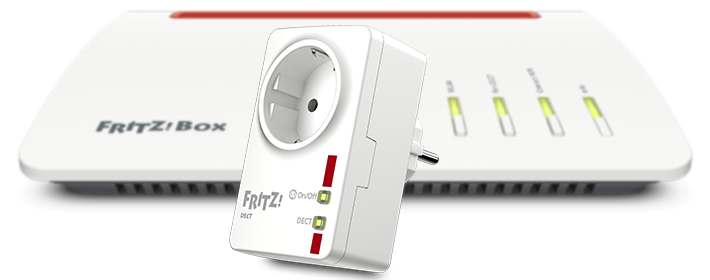
Plug the FRITZ! smart plug into a wall socket near the FRITZ!Box.
Push the (DECT) button on the FRITZ! smart plug. Hold down the button for at least 6 seconds until the LED starts to flash quickly. The FRITZ! smart plug is in registration mode as long as the LED flashes quickly.
Within 2 minutes: Push the Connect button on the FRITZ!Box. Hold down the button for about 1 second until the Connect LED starts to flash. The FRITZ!Box is in registration mode as long as the LED flashes. Other LEDs may also flash.
The LED on the FRITZ! smart plug remains lit as soon as the connection has been established.
Now you can plug the FRITZ! smart plug in wherever you want and configure the desired automatic switching settings, for example a schedule, in the 'Smart Home' area of the FRITZ!Box user interface.


 Deutschland
 International (English)
 United Kingdom
 Österreich
 Nederland
 España
 Italia
 Polska
 België (Nederlands)
 Luxemburg (Deutsch)
 Schweiz (Deutsch)