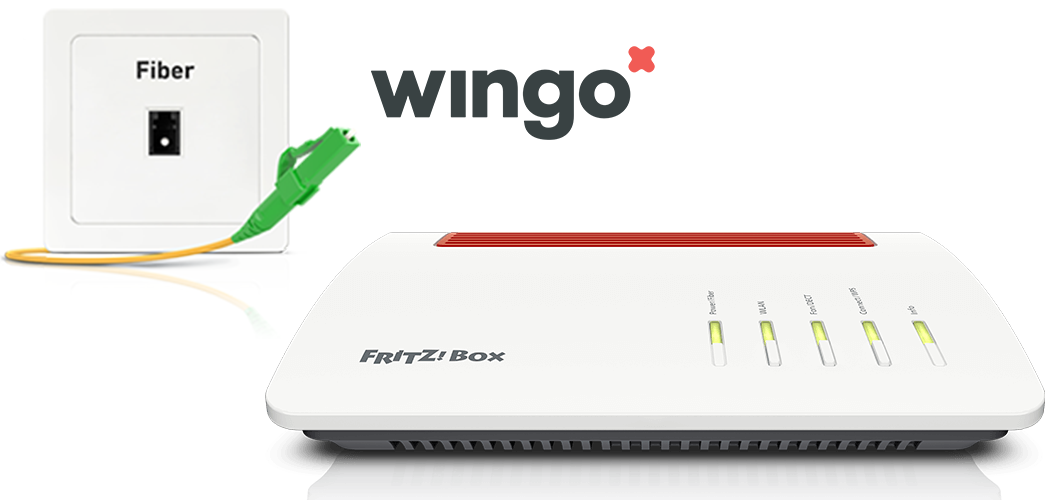
Setting up the FRITZ!Box for use with a fiber optic connection from Wingo
The FRITZ!Box is optimally prepared for use with Wingo. Simply connect the FRITZ!Box to the fiber optic modem and configure the internet connection in the FRITZ!Box.
The complete FRITZ!Box range of functions for internet, multimedia, and smart home is then available to all of the devices in the home network without restriction.
Note:All instructions on configuration and settings given in this guide refer to the latest FRITZ!OS for the FRITZ!Box.
1 Connecting the FRITZ!Box
Insert one end of a network cable into the 'WAN' port on the FRITZ!Box. Use the network cable supplied with the FRITZ!Box, for example.
Insert the other end of the network cable into the LAN port on the fiber optic modem (ONT, Optical Network Termination).
2 Configuring the internet connection in the FRITZ!Box


 Deutschland
 International (English)
 United Kingdom
 Österreich
 Nederland
 España
 Italia
 Polska
 België (Nederlands)
 Luxemburg (Deutsch)
 Schweiz (Deutsch)