Connecting the FRITZ!Repeater with the Mesh Repeater (cascading)
go directly to the main content
Opening the User Interface of the Mesh Master
You can open the user interface of the Mesh Masterin the web browser via its local IP address (http://192.168.178.1 in the factory settings).
If you are using a FRITZ!Box as the Mesh Master, you can also open the user interface by entering the address http://fritz.box, and if you are using a FRITZ!Repeater as the Mesh Master, the address http://fritz.repeater.
The user interface can always be reached, even without internet access. After you enter the password for the user interface, you can configure all functions of the Mesh Master and view detailed information about the product, your access, and connections in the user interface.
Please note:
Devices using the guest access / hotspot are denied access to the user interface.
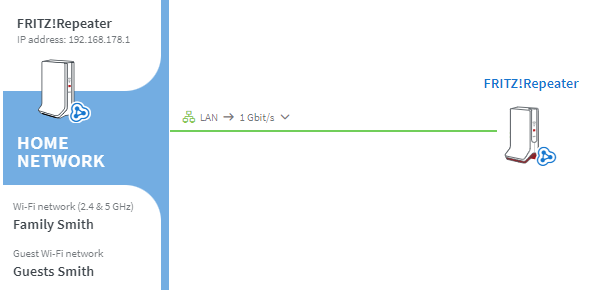
The user interface of the Mesh Repeaters, like FRITZ!Repeaters and FRITZ!Powerline devices, for instance, can be opened easily via the Mesh Overview of the Mesh Master. Clicking on the device name opens the user interface of the Mesh Master.

 Deutschland
 International (English)
 United Kingdom
 Österreich
 Nederland
 España
 Italia
 Polska
 België (Nederlands)
 Luxemburg (Deutsch)
 Schweiz (Deutsch)